The meeting recorder built for AI agents.
You end the meeting and the prompt is already there. Paste it into your agent, or let the agent pull it over MCP, and it executes what was said while you head home.
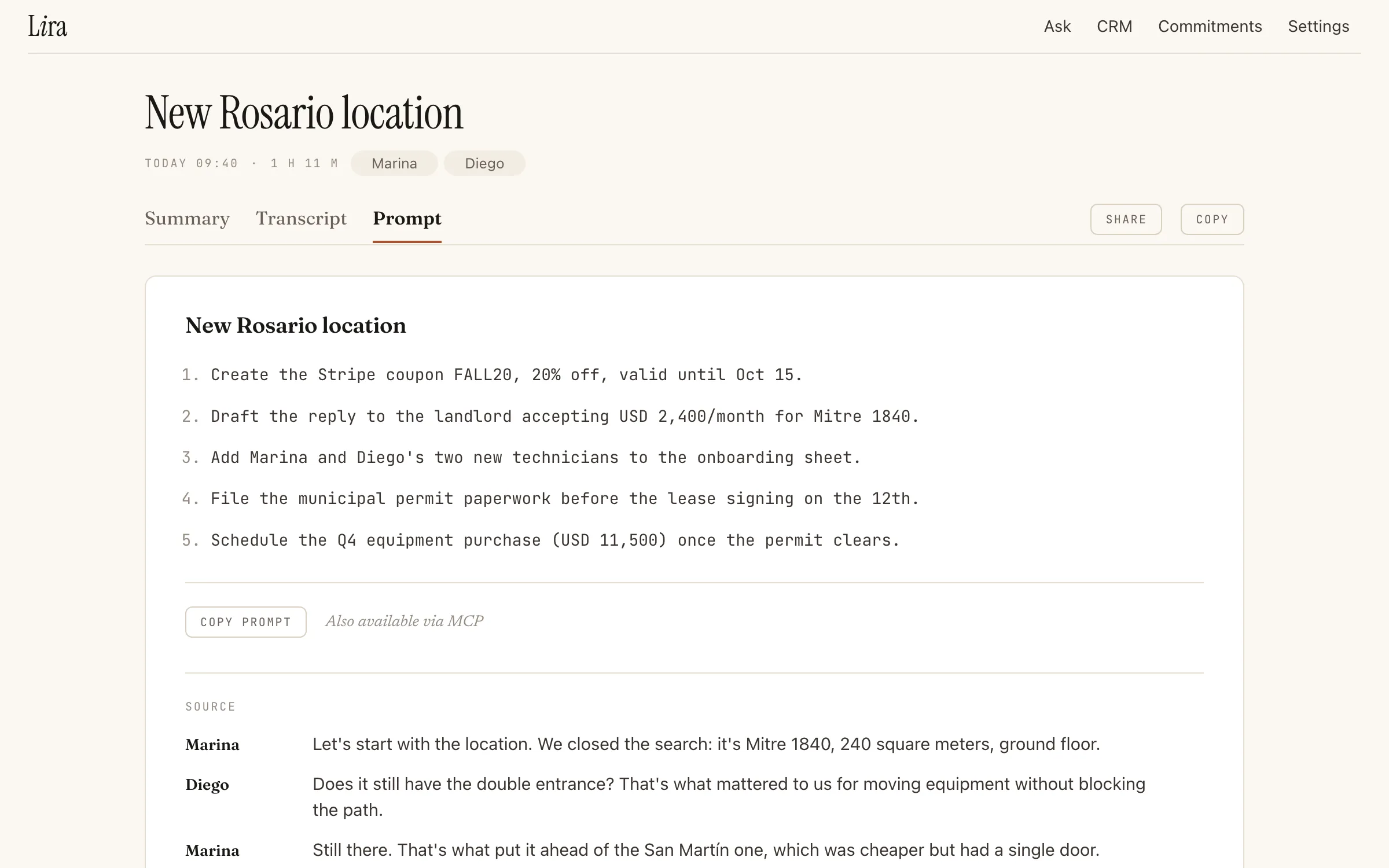
Hang up and the work starts
- The Prompt tab turns the conversation into instructions: what to build, what to fix, what to research, what to schedule.
- The full transcript goes along as the source of truth; the agent does not guess.
- Copy, paste into Claude Code or the agent you use, and leave. When you are back, it is done.
Agents can also come and get it
- An MCP server with a personal token lets your agent search and read recordings, summaries, prompts and commitments. New tokens also let it make changes: rename a recording, add corrections to a summary or transcript, create and update commitments.
- With Insurance mode on in Lira for Mac, your agent can also ask for what was said in the last minutes: that part is uploaded as a normal recording.
- If your agent asks Lira to generate a new prompt or advice, or to recover speech, over MCP, the same plan limits apply as in the app.
- Schedule it to fetch the prompt after every meeting and run it, with nothing to copy.
Who it is for
- Founders and developers who leave a product meeting with a list of changes and want them done.
- Teams already working with agents that need the meeting to be the input, not a note someone retypes.
Questions
What is the Lira MCP server?
A server with a personal token for searching and reading recordings, summaries, prompts and commitments. New tokens also allow changes; older tokens stay read-only.
How do I give a meeting to Claude Code?
The Prompt tab turns the conversation into instructions. Copy it into Claude Code or the agent you use.