AI meeting notes: be fully present and still walk away with what was said and decided.
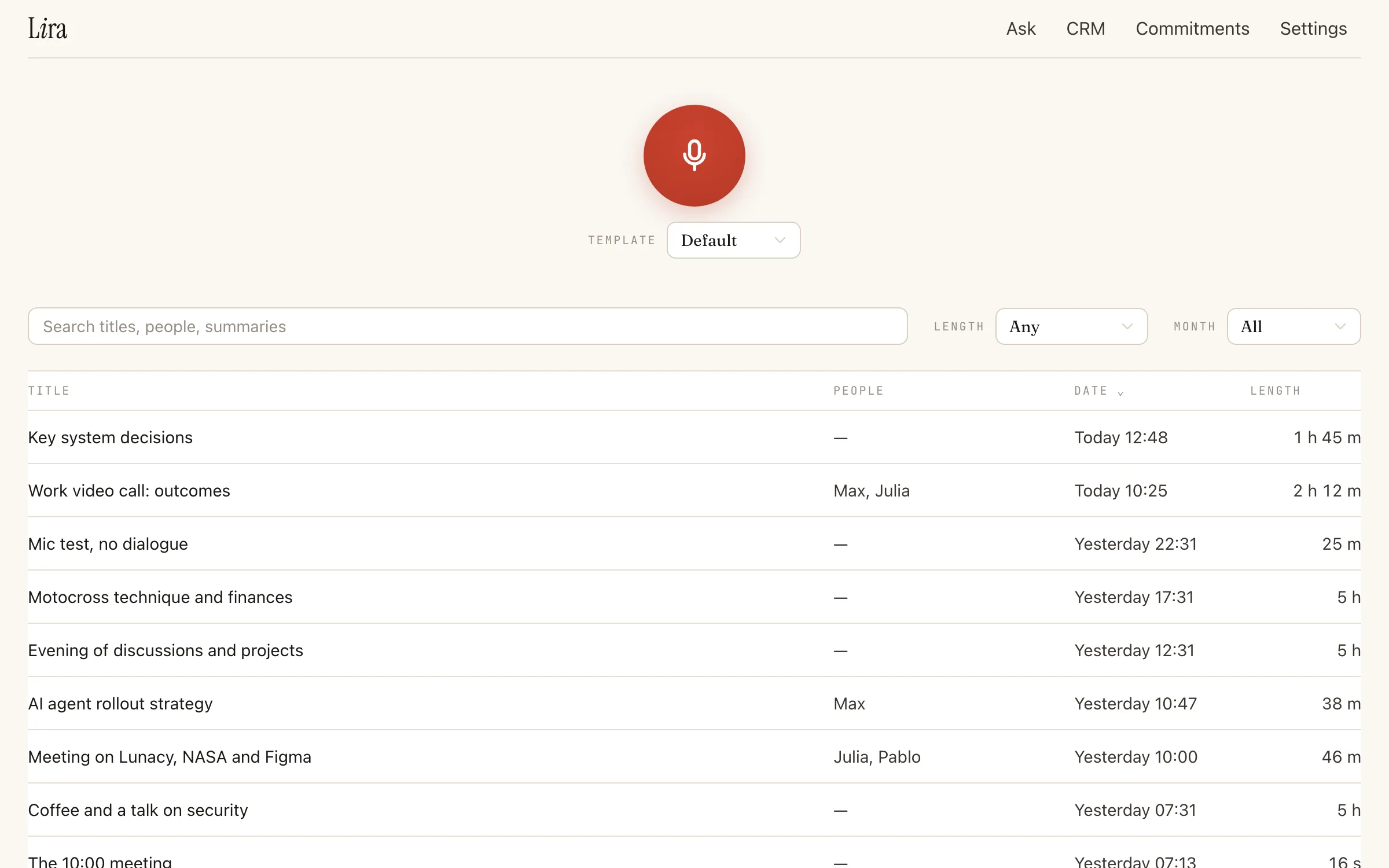
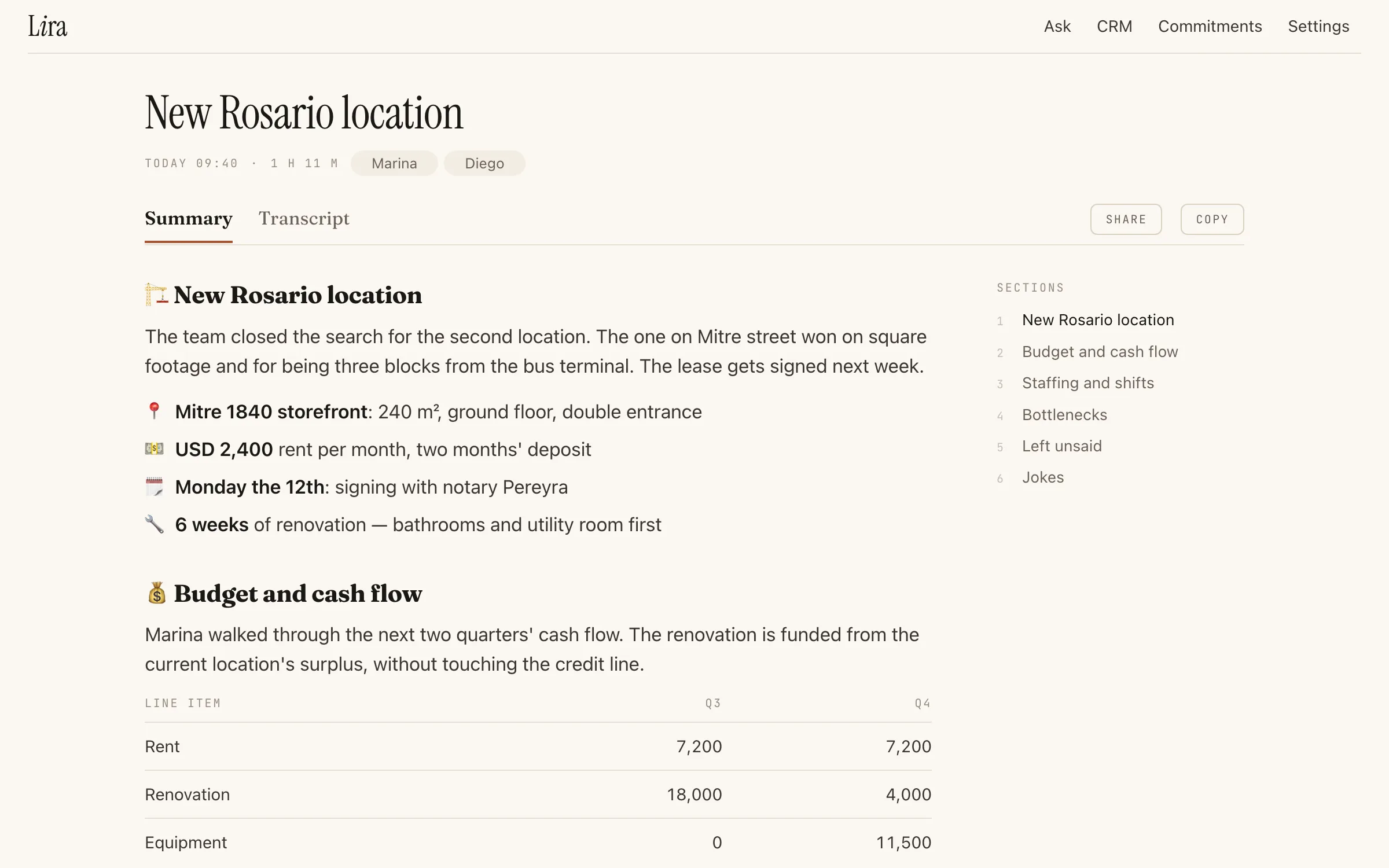
Lira records the conversation while you take part in it. When it ends you have the transcript, a summary, and who said each thing, without taking a single note.
Record from anywhere
- Record from the browser, your phone or the Mac.
- The Mac app lives in the menu bar and captures both sides of your Teams, Zoom or Meet calls, plus your microphone.
- Audio is saved every 5 seconds: if something crashes, you lose at most 5 seconds, never the whole meeting.
A transcript you can trust
- Transcribes in 10 languages: Spanish, English, Russian, Portuguese, French, German, Italian, Chinese, Japanese and Arabic.
- Speakers are named.
- You get a cleaned version to read fast, and an Original toggle for the word-by-word version.
Summaries built for the meeting
- Choose from your own summary presets for different kinds of conversations.
- For example, a medical-consultation preset that follows that conversation's format.
Share without extra steps
- Share by link or by inviting someone directly.
- Lira auto-shares the summary with the other participants once it recognizes their voices.
- Import recordings from a Plaud recorder, and Lira runs its own cleanup and summary on them.
Questions
Which languages does Lira transcribe?
10 languages: Spanish, English, Russian, Portuguese, French, German, Italian, Chinese, Japanese and Arabic.
What if the app crashes in the middle of a meeting?
Audio is saved every 5 seconds, so you lose at most 5 seconds, never the whole meeting.
Can I share a summary?
Yes, by link or by inviting someone. Lira also shares the summary with the other participants once it recognizes their voices.